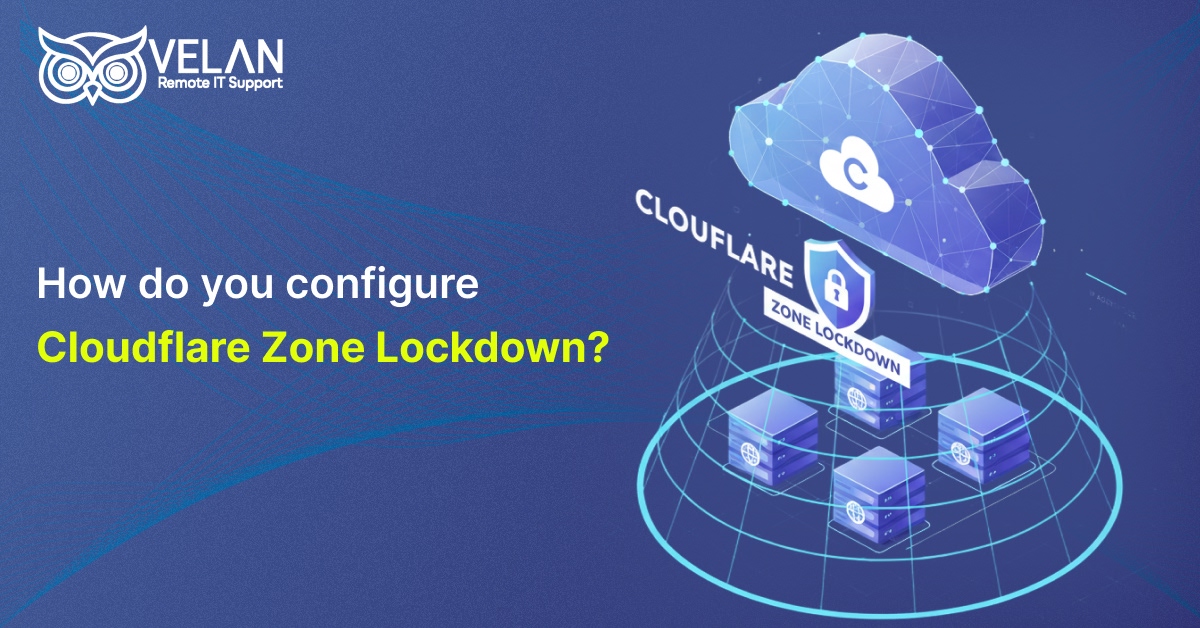
How do you configure Cloudflare Zone Lockdown?
How do you configure & remove an IP address from Cloudflare Zone Lockdown?
Cloudflare offers web infrastructure to improve the security of websites. It blocks harmful traffic by acting as a protective filter between the website and visitors. In simple terms, Cloudflare shields your website from hackers, bots, and other threats as part of dependable cloud-based services and secure DNS service solutions.
Cloudflare offers strong protection for websites, servers, interfaces, and applications from unauthorized access through the Zone Lockdown feature. In this blog, let us see how to configure Cloudflare Zone Lockdown.
Zone Lockdown Features
Helps protect specific URLs, domains, including subdomains, from unauthorized access.
The listed IP addresses, CIDR ranges, or networks can only retrieve the resources.
The platform will block access and display an error message if a request comes from an undefined IP address.
A single Zone Lockdown rule can cover multiple destinations and accepts both IPv4 and IPv6 addresses.
How to Configure Zone Lockdown in Cloudflare
To establish IP lockdown for particular website URLs, follow the guidelines.
- Log in to the Cloudflare Firewall App Dashboard and select your account and domain.
Go to Security→WAF on the left-hand menu
Select the Tools tab
From the drop-down menu, choose Create a Zone Lockdown Rule
Enter the details as mentioned below:
Name: Give a suitable name for the rule
Ex: Office IP Whitelist, Restricted Dashboard Access, etc.
URLs: You can enter full URLs or use wildcards (*) to match subdirectories. The accepted formats include
Specific Pages: ://example.com or ://example.com
Subdomains: staging.example.com/*
Entire Paths: ://example.com*
IP Range: Enter the IPv4 or IPv6 addresses or CIDR ranges that are supposed to access these URLs. Enter one entity per line. Access will only be available to these specified IPs. Anyone else attempting to access the URLs will receive a 1106 Access Denied or 403 Forbidden error.
You can set rule priority under Advanced Options if you have multiple rules that overlap. The greater priority is given to the lower number. Rules with a top priority are applied before other conflicting rules.
Click Save and Deploy Lockdown Rule - 3 Important Configuration Tips
One URL per line: If you want to protect multiple directories or pages, enter each URL on a separate row.
Specify allowed IP addresses: Enter the IP addresses or CIDR ranges that should be allowed access, along with the URLs. Users from other IPs will be blocked.
Use wildcards when needed: Wildcards help you protect multiple pages under the same directory without listing each URL individually. - How to Remove an IP Address Block in Cloudflare
To release a blocked IP address in Cloudflare, follow the steps
For Website Owner / Administrator
You can bypass Cloudflare’s security checks for your IP by creating a Web
Application Firewall rule.
Open the Cloudflare Dashboard
Log in to your account and choose your domain.
Go to Security → WAF→Tools
IP Access Rules→ you can add your IP address, IP range, or ASN → Set Action to ‘Allow’
You can also create a custom rule in the Custom Rules tab. Set the logic to IP Source Address equals [Your IP Address] and the action to ‘Skip all security checks’. - For a Visitor
Cloudflare itself cannot authorize your personal IP address, but you can try the following tips.
Clear browser data by deleting cache, cookies, and local storage.
Turn off VPNs, privacy extensions like ad-blockers, or security tools
Change your internet connection, such as changing from Wi-Fi to a mobile hotspot.
If none of the above worked, contact the website’s support team and provide them with the Cloudflare Ray ID shown on the error page. They can help by manually unblocking you.
Conclusion
Velan, a leading managed IT services provider, offers high-quality server administration and support services for global businesses serving in diverse sectors. We are an ISO 9001 and ISO 27001 certified firm, having more than 19 years of industry experience in offering dedicated remote IT support.
Our server support engineers can help you set up Cloudflare and configure Zone Lockdown to secure your website, applications, and servers from unauthorized access.
If you’d like to learn more about our services, connect with our experts at [email protected].
Prevent harmful exposure to web pages and applications. Speak with our Cloudflare security specialists today.
People also ask these questions about Cloudflare ZoneLockdown.
If you are a valid user but cannot access the website, your current IP address may not be included in the allowed list. This can happen if your ISP assigns a new IP or if you connect from a different network. An administrator can update the Zone Lockdown rule with the correct details to restore access.
Zone Lockdown can help if you want to protect sensitive areas of a website. It allows trusted users only to access admin panels, login pages, staging environments, internal tools, and other resources.
It depends on the Cloudflare plan you purchased.
Free: 0 rules
Pro: 3 rules
Business: 10 rules
Enterprise: 200 rules
Refer to Cloudflare’s documentation for the latest limits.
Categories
- Applications 011